Testimonials
6 Best VideoAsk Alternatives for Video Testimonials (2027)
VideoAsk is built for interactive video forms. If you need polished customer testimonials, compare these 6 alternatives, including free plans.

Martine Hammar
October 11, 2026



Looking for a VideoAsk alternative? VideoAsk is brilliant at interactive video: branching forms, lead capture, screening candidates and live calls. But if what you actually need is finished customer testimonials you can put on your website, it leaves a lot of the work to you. Here's an honest look at why teams switch, the six alternatives built for testimonials, and which of them are free.
Let me say the fair thing first.
VideoAsk, made by Typeform, is a genuinely good product. You record a question on video, and people reply with video, audio or text, one step at a time. It handles conditional logic, multiple choice, NPS, appointment scheduling and even Stripe payments. Responses are transcribed, and you can download the original MP4 files. If you want one video tool for sales, recruitment, support and research, it's a strong choice.
So this isn't a hit piece. It's for the person who signed up to collect testimonials and found themselves with a folder of raw clips, a processing meter ticking away and nowhere obvious to show the results.
Pricing in this article was checked on each vendor's own website on 11 October 2026. Prices are in US dollars.
VideoAsk lists testimonial collection as one use case among many, next to candidate sourcing, lead generation, onboarding and support. That flexibility is the point. It also means the testimonial-specific parts are thin. You get the raw answers and a transcript. You don't get a testimonial editor that stitches answers together, adds your branding and captions and hands you something ready to publish. There's no Wall of Love built for testimonials either.
VideoAsk's plans are metered by processing minutes, and the meter counts every minute of video or audio created, including the questions you record, your follow-up replies and every answer from your customers. Playback is unlimited, but unused minutes don't roll over to the next month. If you go over, VideoAsk keeps processing, but you have to upgrade.
VideoAsk's own example adds up to 151 minutes in a month for a two-step videoask with 50 respondents and some follow-ups. That's already over the Grow plan's 100 minutes.
The free Start plan is VideoAsk branded, and Grow is "partially" branded. To use your own branding and a white-labelled domain, you need the Brand plan for $40/month billed yearly or $50 monthly.
This is the real gap. Collecting a reply is step one. Then you need to trim it, combine answers, add captions and your logo, pick the best clips and get them onto your site. With a general-purpose video form, that's on you, usually in a separate editor and a separate embed tool.
Get guided video testimonials without the back and forth. Start free with StoryPrompt. No time limit. No credit card needed.

Best for: businesses, coaches, consultants and agencies who like VideoAsk's face-to-face approach but want finished testimonials, not raw clips.
StoryPrompt is the closest swap for anyone who loved the best part of VideoAsk. You still ask on video. You record a short prompt with your face, your voice and your question, and build a sequence of prompts that your customer answers one at a time. Customers don't need an app or a login, and they can reply on video, by voice, or in writing with a headshot and a star rating. An AI teleprompter and blurred or virtual backgrounds help nervous customers feel comfortable on camera.
The difference is what happens next. StoryPrompt turns the answers into a testimonial automatically. Clips are stitched together, branded, captioned and transcribed, and on Pro and above, long pauses and filler words are cut out. You can add music and b-roll, and export square, landscape or portrait versions. Then you can embed it on your site, put it in an email, download it or add it to a Wall of Love, which can also pull in social posts and reviews from elsewhere.
And there's no processing meter. Plans are based on the number of responses, with a per-video length limit, so the prompts you record yourself don't eat into your allowance.
Pros
Cons
Plans and pricing
You get 20% off if you upgrade within 7 days of signing up. Full details are on the pricing page.
Verdict: if testimonials are the reason you signed up for VideoAsk, StoryPrompt keeps the personal video ask and does the editing and publishing for you.

Best for: businesses that want a simple collection page plus imports of praise they already have.
Testimonial.to gives you a branded collection page, a tidy inbox for approving testimonials, an embeddable Wall of Love and imports from X, LinkedIn, Reddit, G2, Google, Yelp and more. Higher plans add Brand Monitor, automated email invitations, NPS and case study collection.
Pros
Cons
Plans and pricing
Verdict: strong for text and imports. Check the video limits carefully before you commit. We've compared it in detail in our Testimonial.to alternatives guide.
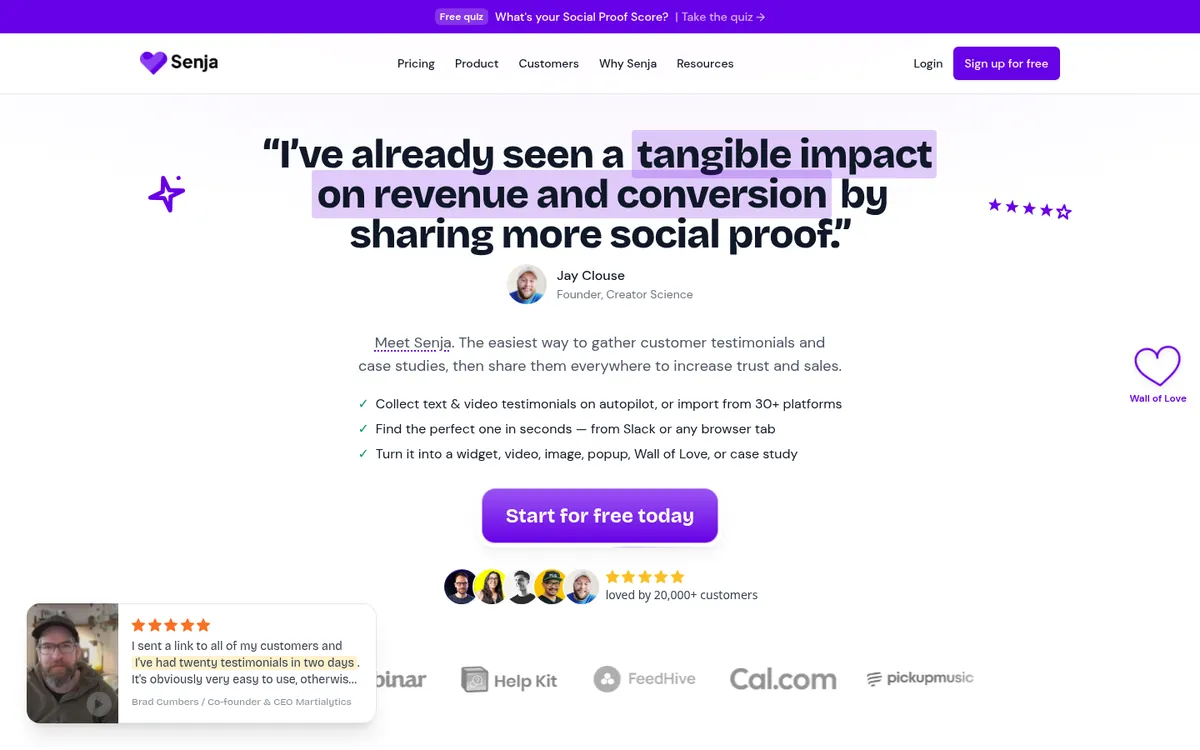
Best for: creators and small businesses who want text and video testimonials, imports and widgets on a small budget.
Senja collects text and video testimonials through a browser-based form, with a library of hundreds of questions to choose from. Videos are transcribed and tagged automatically, and you can edit them, export them as social clips and embed them in an ad-free player. It also has rewards (Spin the Wheel) and thank-you tools.
Pros
Cons
Plans and pricing
Verdict: a great budget pick if you want a bit of everything and don't mind a form-style ask.
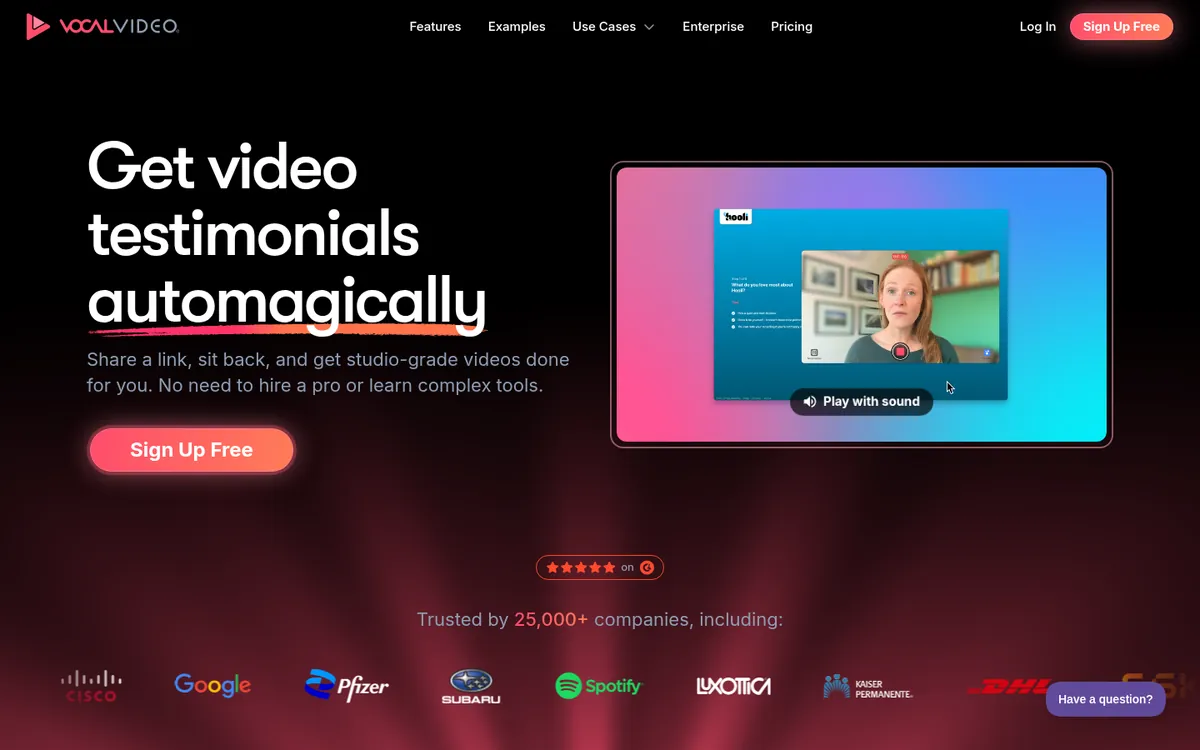
Best for: teams with a budget who want broadcast-style results with no editing.
Vocal Video is the opposite of VideoAsk in one way: it's all about the finished video. Every plan includes unlimited collection and automatically generated "pro-style" videos, and higher plans add AI effects, white-labelled collection and custom releases.
Pros
Cons
Plans and pricing (billed yearly)
Verdict: great output, but you're swapping a monthly processing meter for an annual one. More in our Vocal Video alternative guide.
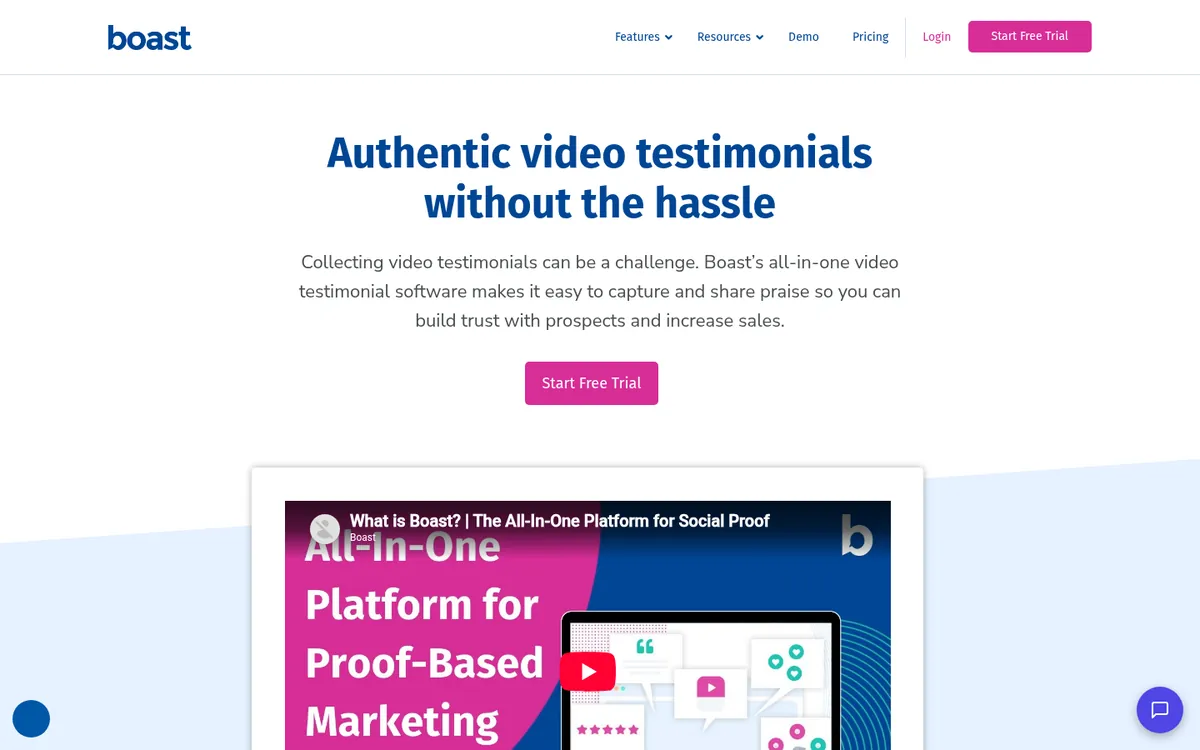
Best for: businesses that want to ask every customer at the right moment, automatically.
Boast collects video and text testimonials through forms and sends automated request "Sequences" by email (and SMS on Team and above). It supports longer videos than most tools here and collects Google and Facebook reviews too.
Pros
Cons
Plans and pricing
Verdict: a good fit if your bottleneck is remembering to ask, not getting people comfortable on camera.
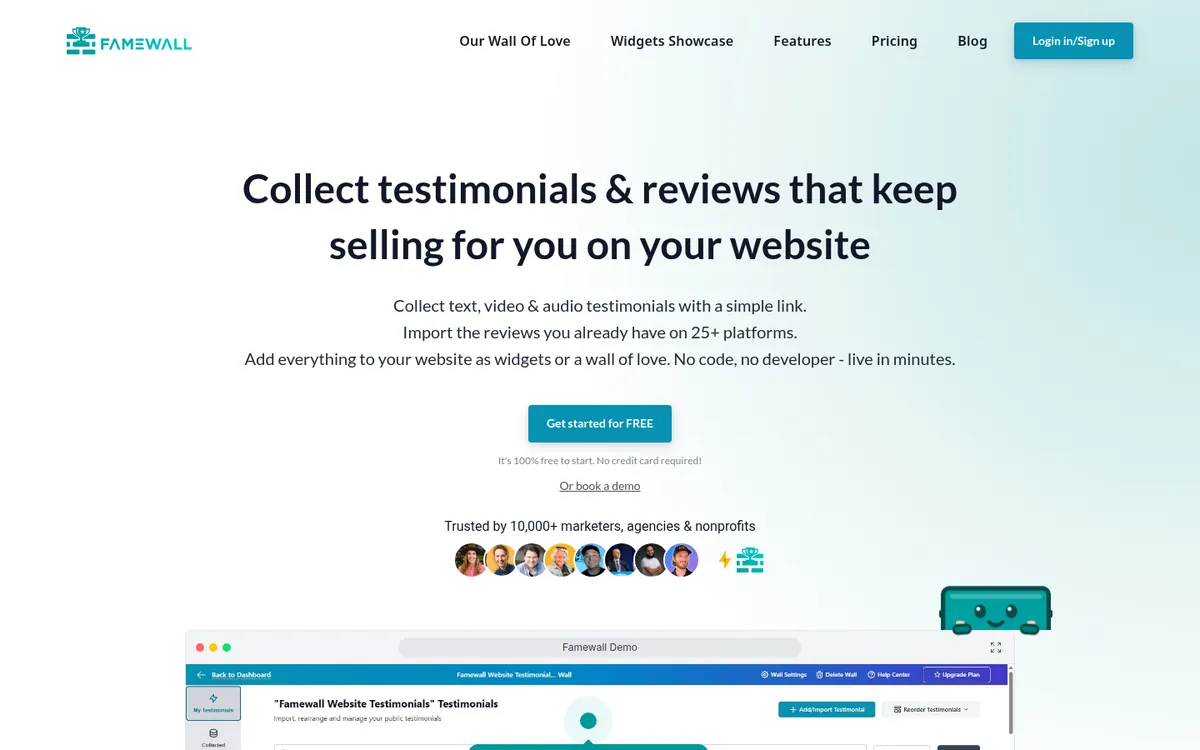
Best for: coaches, creators and small teams who want a wall of social proof quickly and cheaply.
Famewall collects text, video and audio testimonials, imports reviews from other sites and gives you lots of widget styles. Paid plans include personalised video requests and integrations with Zapier, Make, webhooks and an API.
Pros
Cons
Plans and pricing
Verdict: good value for text-first social proof. Video-heavy teams should start at Professional.
What about Trustmary? It collects video reviews alongside surveys and review imports, but its paid plans start at $191/month (billed yearly), so it's a better fit for larger teams replacing a survey tool than for anyone switching from VideoAsk.
If you want to try before you pay, these all have free plans with no time limit:
For video testimonials, StoryPrompt and Senja give you the most room to test properly. StoryPrompt is the one to pick if you want to keep VideoAsk's "ask on video" approach.
Pick VideoAsk if you need branching funnels, payments, live calls or recruitment screening. Pick StoryPrompt if the goal is finished testimonial videos on your website and in your sales emails.
Turn customer answers into finished testimonial videos. Start free.
VideoAsk is a great conversation tool. It just isn't a testimonial tool first. You end up paying by the minute for raw answers, then doing the editing and publishing somewhere else.
If you liked asking on video, keep that and drop the rest. The best VideoAsk alternative for testimonials is the one that gets customers to record, then turns what they say into something you can actually use.
Get guided video testimonials without the back and forth. Start free with StoryPrompt. No time limit. No credit card needed.
For video testimonials, StoryPrompt. Its free plan includes 15 responses, personal video prompts and automatic editing, with no time limit and no credit card. Senja is a good free option if you mostly need text testimonials and widgets.
It works. You can ask questions on video, collect replies and download the MP4s. But it's built for interactive video forms in general, so you'll need another tool to edit, brand and display the testimonials.
VideoAsk charges by processing minutes. Every minute of video or audio that you or your respondents create counts, playback is free, and unused minutes don't roll over. The free Start plan includes 20 minutes a month.
For testimonials, StoryPrompt. You still record your question on video and customers answer one step at a time. StoryPrompt then edits, brands and captions the answers for you.
Yes. VideoAsk lets you download the original MP4 files or send them to Dropbox. You can then upload them to your new tool. In StoryPrompt, you can add uploaded videos to a Wall of Love.
Customer Success Manager at StoryPrompt